Make the annual report
Updated 16 November 2026
General information about the rules as of 16 November 2026, not advice for your company.
On this page
You need: full access or edit access to the company, and the year's transactions in Inzenda.
- Select Reports, then Create new report. If the year already has a draft, you continue that one instead.
- Company: check the company and the financial year and select Continue.
- Details: check the name, registered office, share capital and board. Select Next.
Activity: the year's figures come from the transactions. Add what is missing and select Next.
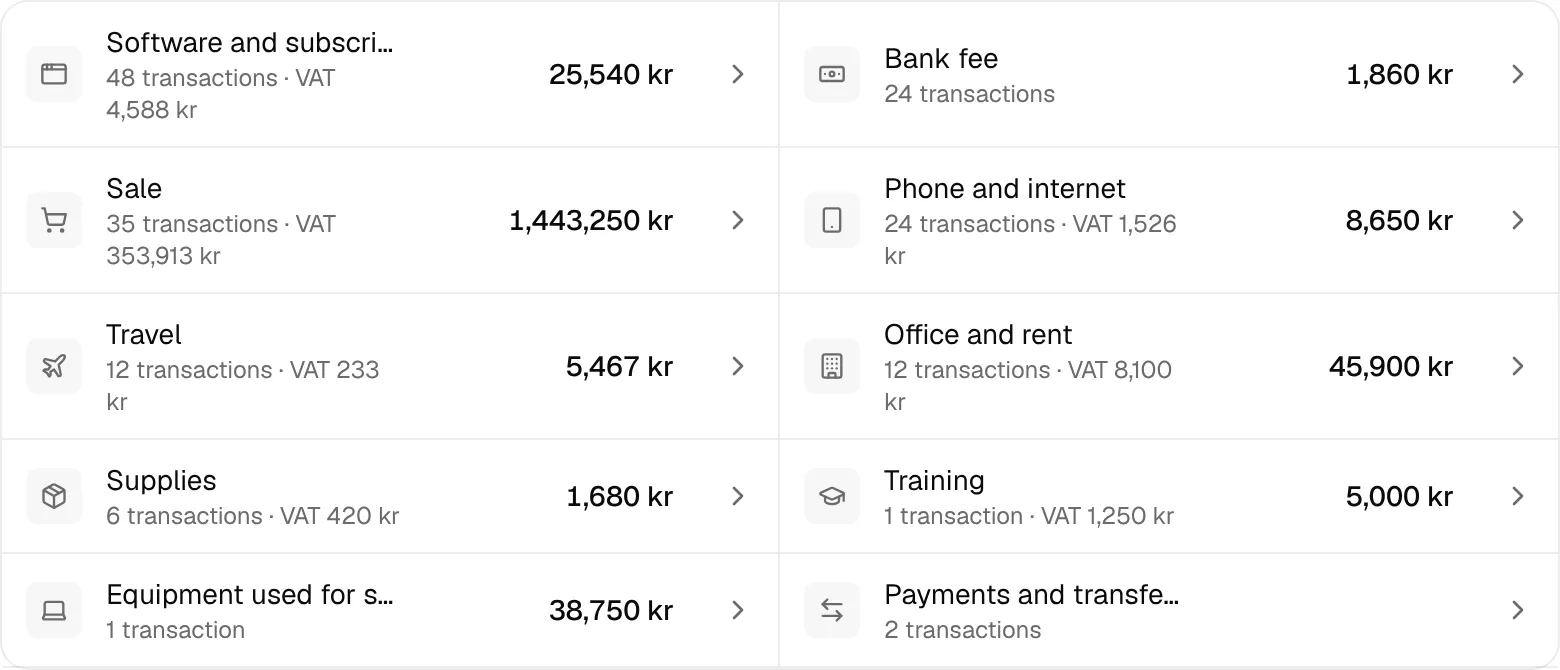
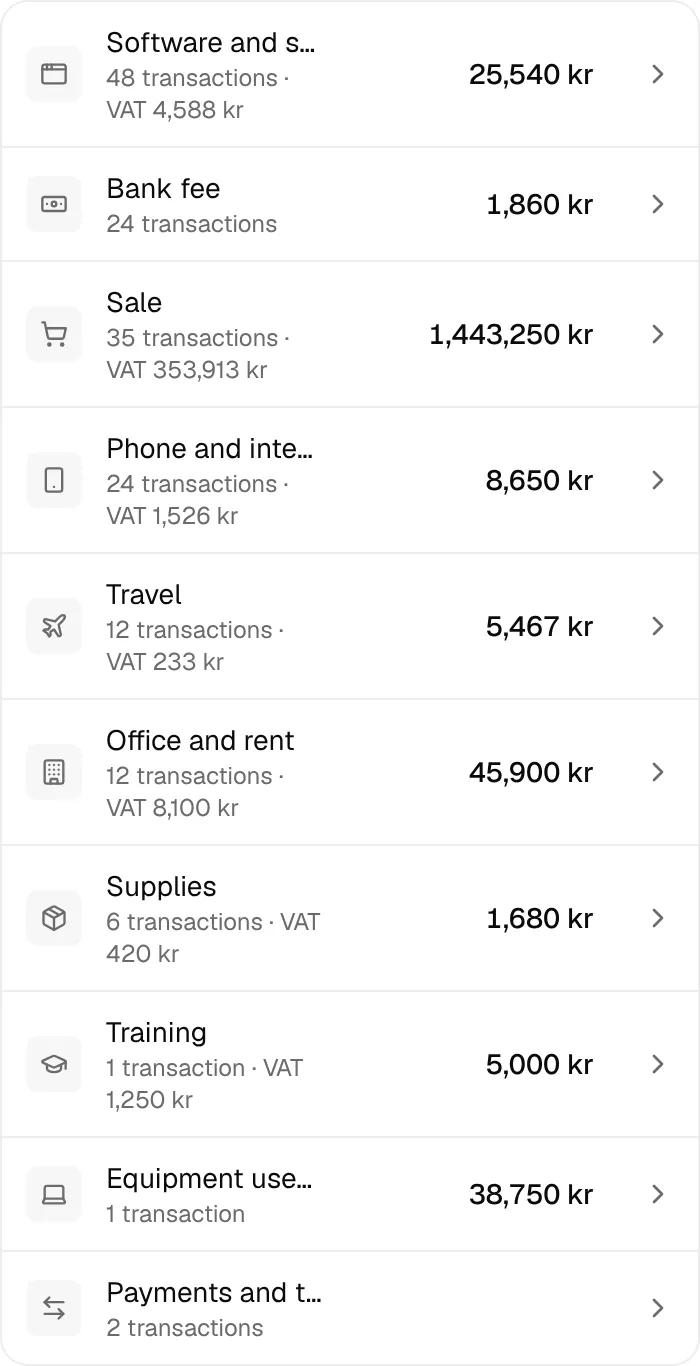
- Questions: answer the questions that apply to your company. Inzenda reads the rest from the books.
Review & send: read the year's figures and the decisions. Select Preview to see the whole annual report.
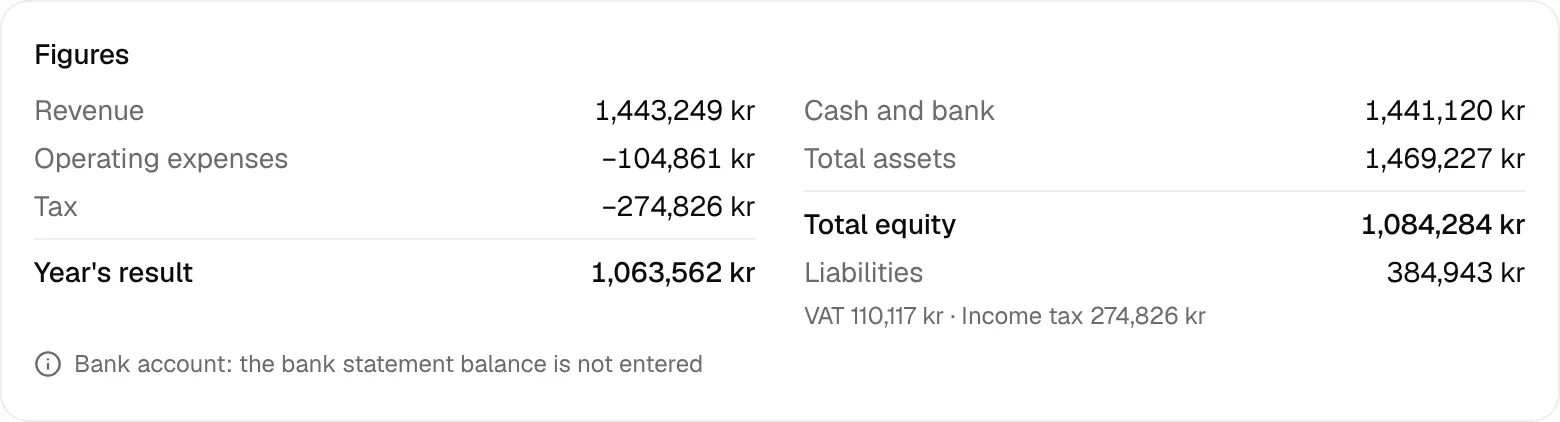
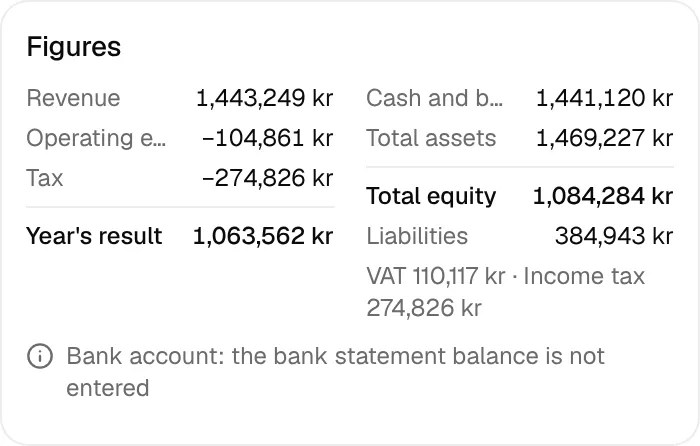
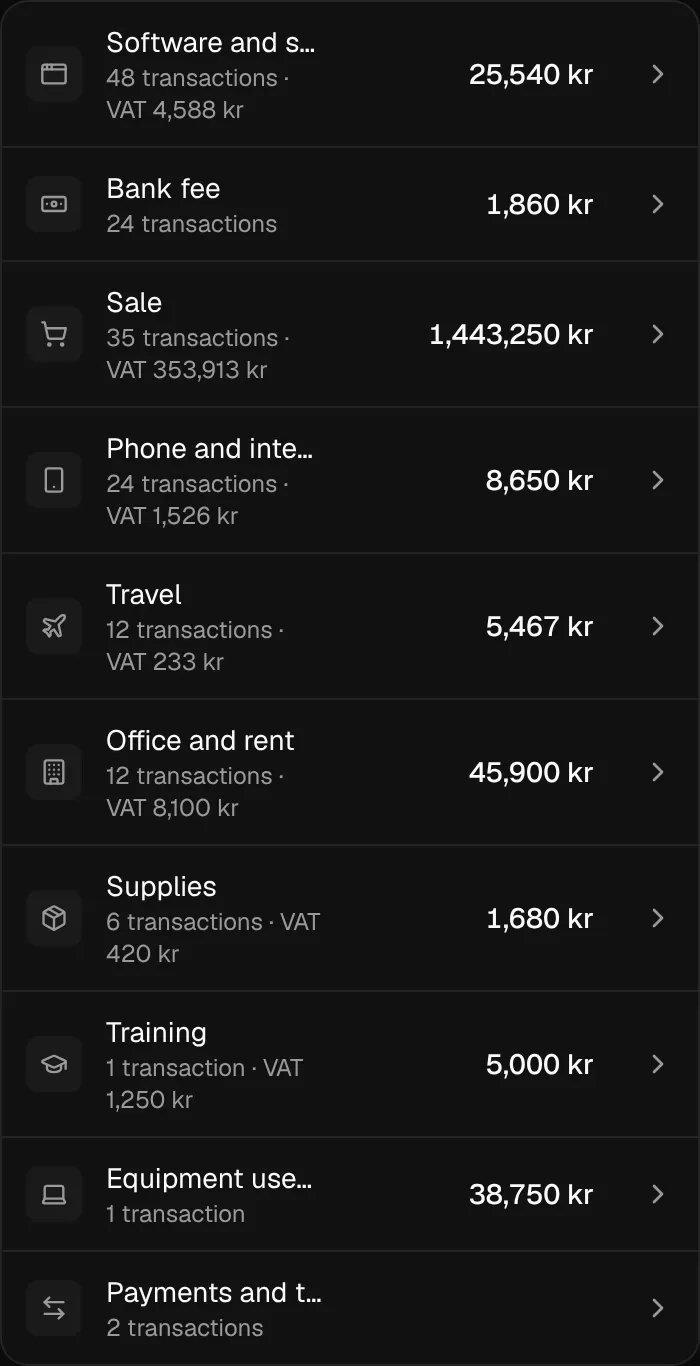
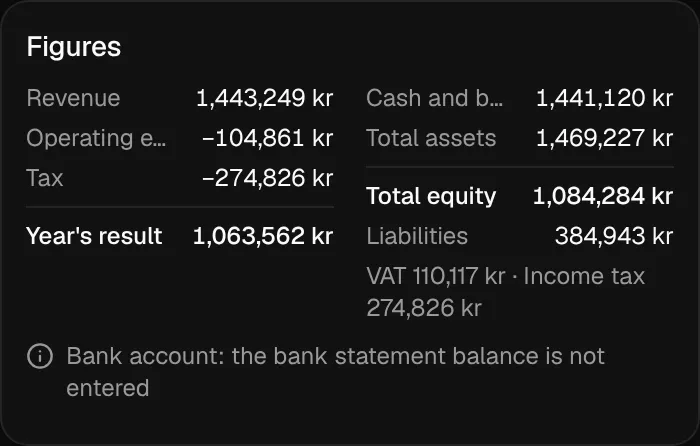
Inzenda saves every answer at once, so you can stop and continue later. The AGM date and the signatures have their own page: Enter the AGM date.
If something goes wrong
One thing left
: select Go to the first item and finish that item. You come back to the review.1 question left
: answer the question before you go on.
Why
An annual report consists of a balance sheet, an income statement, notes and a management report (ÅRL chapter 2, section 1). The company also files the income tax return (INK2) with Skatteverket. Inzenda does both in one flow.
- Riksdagen: Annual Accounts Act (Årsredovisningslag 1995:1554), chapter 2, section 1, read 16 November 2026
- Skatteverket: Filing and filling in the income tax return for a limited company, read 16 November 2026
With an assistant: say “Start the annual report for last financial year”. How to connect an assistant
The rule behind this
Annual report and INK2Can't find the answer? Write to support@inzenda.se