Make a payroll run
Updated 16 November 2026
General information about the rules as of 16 November 2026, not advice for your company.
On this page
You need: payroll switched on for the company, see Turn payroll on and add people.
- Open Payroll and choose the month. On a phone, Payroll is under More. Pay belongs to the month it is paid out.
- The first time: select Add yourself or Add person. The card shows the payment date at the top. A new month shows last month's pay as a suggestion.
- Type the salary in the Salary field.
- The tax is worked out. If the tax in the Tax field differs from the suggestion, a button to use the suggestion shows beside it. Select it.
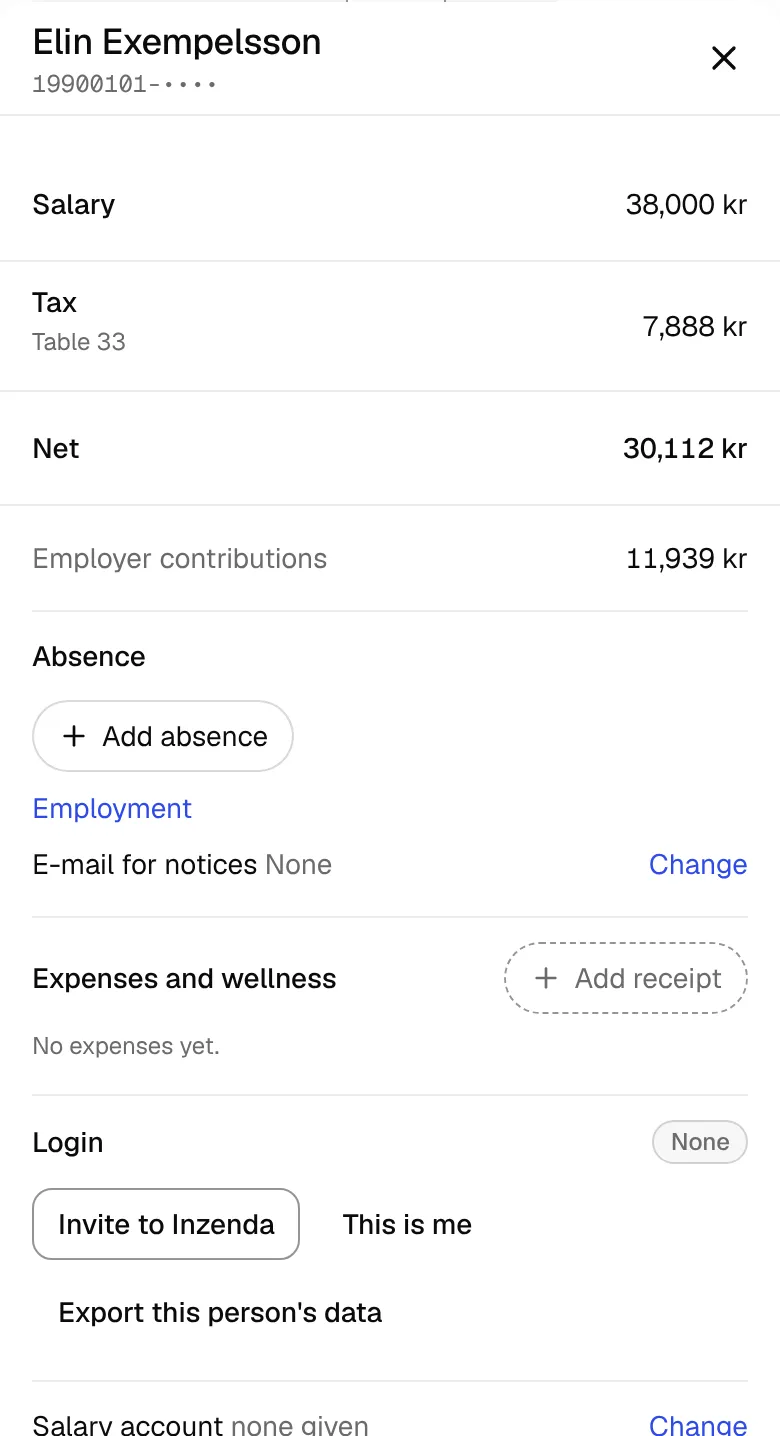
Select the person's name to see the whole payslip. There you add other pay, such as a benefit, with Add.
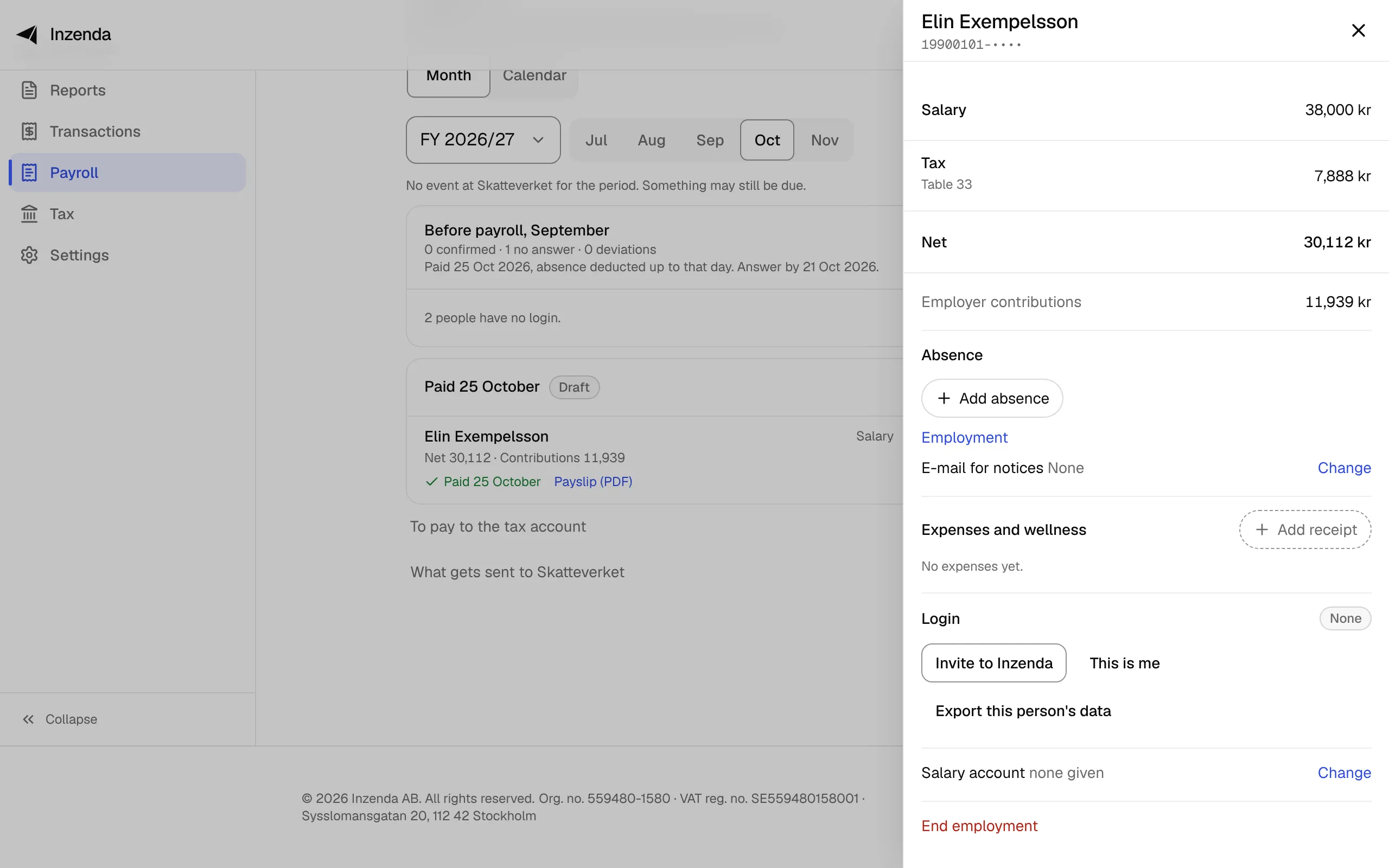
- If you pay on another day: select Run options on the card and choose Another payment on a different day.
Inzenda saves as you type. Once the run is paid, Payslip (PDF) is on the row.
If something goes wrong
There is already a payment on that day.
: put the person in that run, or choose another day.Elin is not employed on the payment date.
: change the person's employment dates or the payment date.The tax is larger than the salary.
: check the salary and the tax on the row.This month is filed. Add new people in an open month.
: choose a month that is not filed.It could not be saved. Try again.
: wait a moment and type again.
Why
Pay is reported in the employer declaration for the month it is paid out, not the month it is earned (Skatteverket). Inzenda books the run on the payment day, not when the declaration is filed, see When pay is booked. The employee must be told what you report, for example in a payslip, by the day the declaration is due.
- Skatteverket: Filing the employer declaration (Lämna arbetsgivardeklaration), read 16 November 2026
With an assistant: say “Do this month's payroll, the same as last month”. How to connect an assistant
Payroll and AGICan't find the answer? Write to support@inzenda.se