Send the VAT return
Updated 16 November 2026
General information about the rules as of 16 November 2026, not advice for your company.
On this page
You need: VAT turned on for the company, and Inzenda's access at Skatteverket (connect Skatteverket). The person who signs at Skatteverket is the managing director, a sole authorised signatory (firmatecknare) or a declaration agent (deklarationsombud) for the company.
- Open Tax. On a phone, Tax is under More.
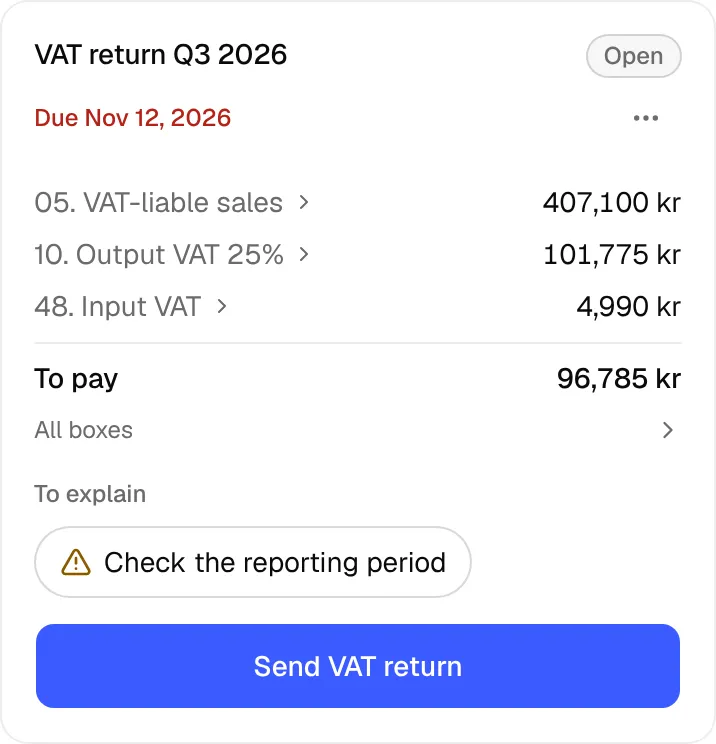
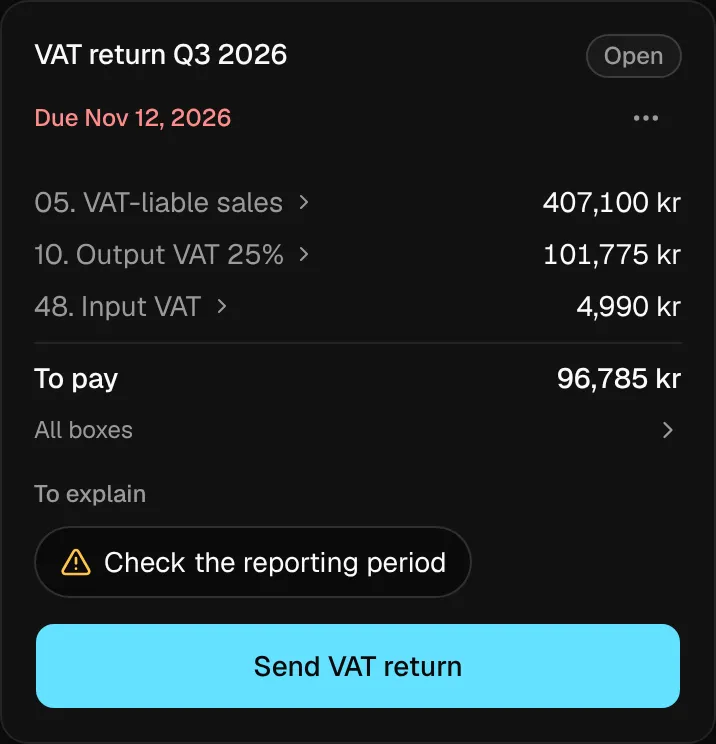
- Under VAT, choose the period. The panel shows the boxes, what is to pay and the due date.
- If it says Finish 3 transactions from … first, select it and give those rows a category. The period cannot be sent before that.
Select Send VAT return. If every box is zero, Inzenda asks whether it is a zero return. Then select Yes, send.
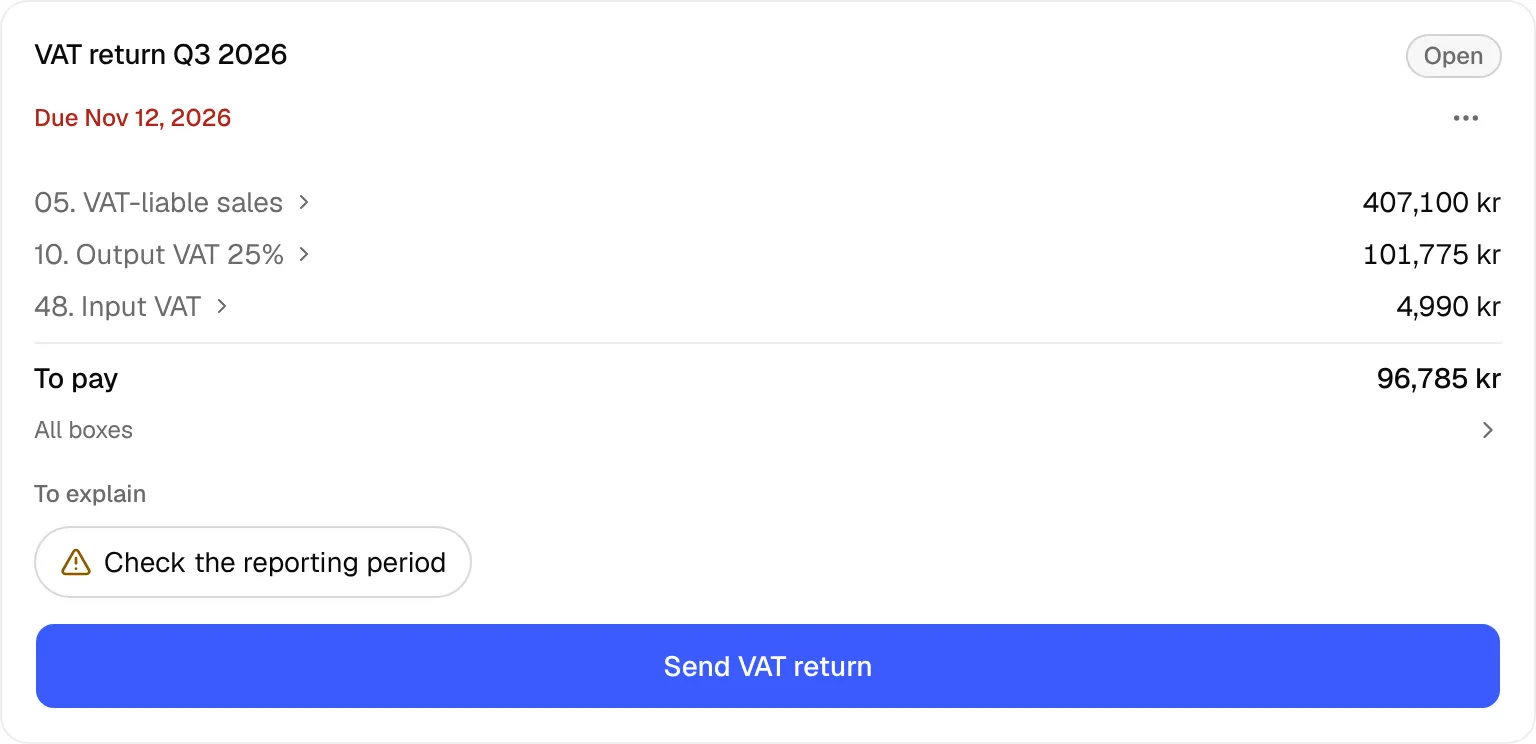
- The period is now Awaiting signature. Select Review and sign at Skatteverket and sign with BankID in Skatteverket's e-service.
- Back in Inzenda: select I have signed. The period becomes Filed with Skatteverket's receipt.
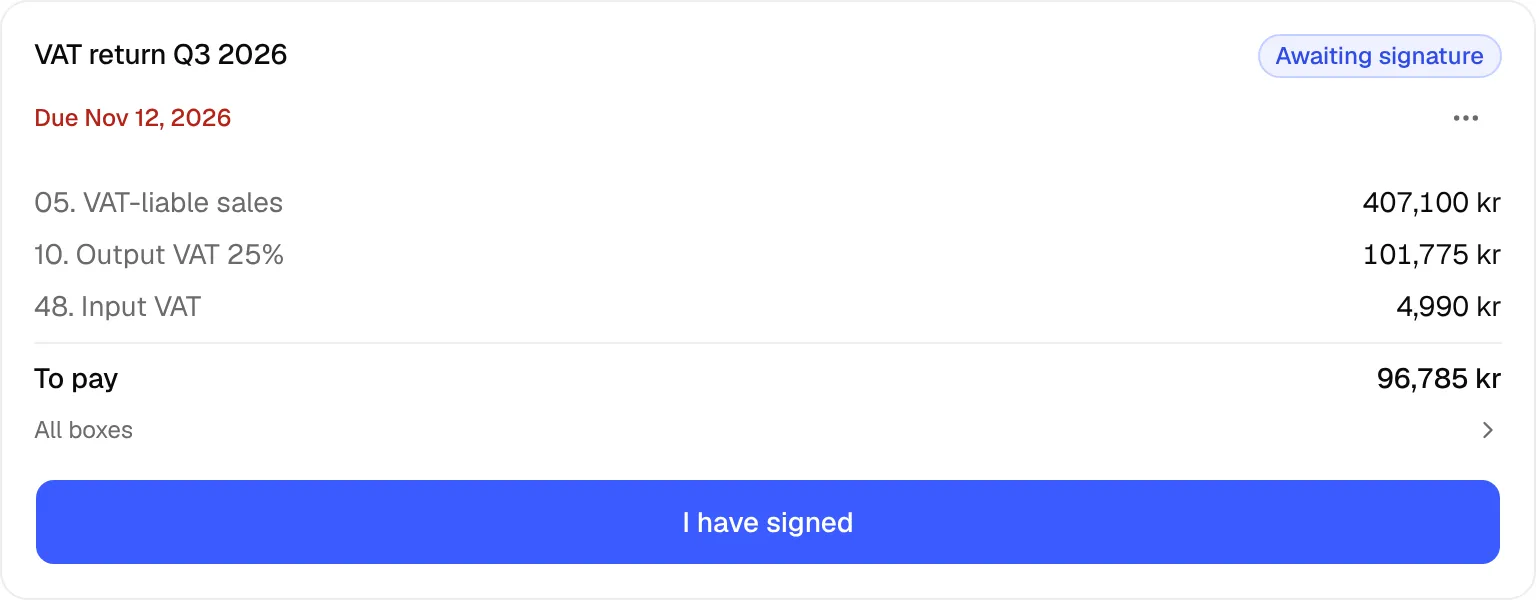
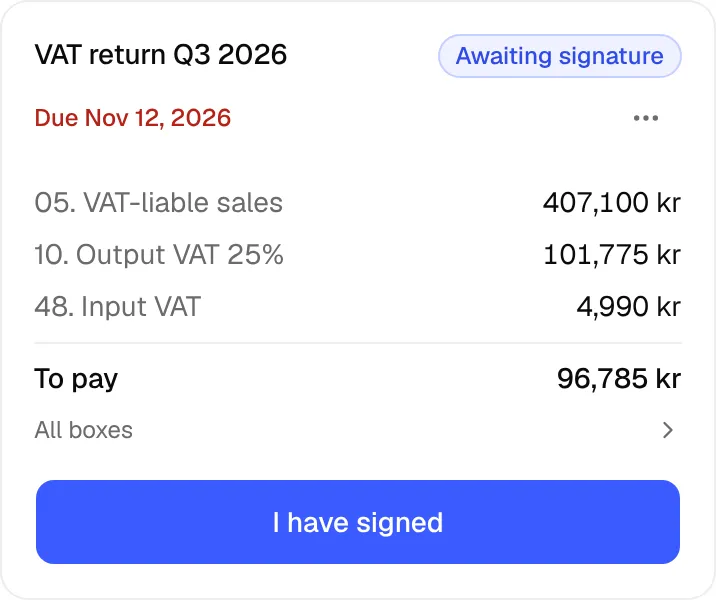
Inzenda sends a draft. The return is not filed until it is signed at Skatteverket. When you select I have signed, Inzenda checks with Skatteverket that it is signed.
To change something before you have signed: select Period options and Unlock and edit, change the transactions and send again.
If something goes wrong
- No VAT in the period: a zero return is still due for every period while the company is registered for VAT. Send it as usual. To stop filing VAT returns, deregister the company for VAT at Skatteverket.
- A late period: a period not filed on time shows on the company overview, with
Skatteverket may charge a late filing fee
. Send it the same way as above, as soon as you can. The fee is on Skatteverket's page. - Already filed outside Inzenda: select Already filed under the period on the overview. For several periods, choose which and select Save. The period then shows
Marked as filed.
, and Undo removes the mark. No signed return yet. Sign it and try again.
: sign at Skatteverket first, then select I have signed again.Skatteverket has not given Inzenda permission to file this for your company
: give Inzenda access, see connect Skatteverket.An owner confirms that you may file for the company before you can send.
: ask an owner to confirm it on the Access page.The period has not ended yet.
: wait until the period has ended.Confirm the guessed VAT before you send.
: confirm the VAT on the rows shown and send again.Skatteverket found errors in the submission
: fix the rows the errors point to and send again.Skatteverket flagged the submission (you can still sign)
: read the warning. If the figures are right, you can sign.The books have changed since the draft was locked. Unlock and send again.
: select Unlock and edit and send again.Skatteverket already holds a filed return for this period.
: the period was already filed. If it differs from the books, select Correct the return.Skatteverket has a filing with no figures. Enter box 49 from the receipt.
: enter box 49 from Skatteverket's receipt and select Save.
Why
A company registered for VAT files a VAT return for every period, even when there is no VAT to report (Skatteverket). The company's authorised representative or its declaration agent signs it.
- Skatteverket: Filing VAT returns (Deklarera moms), read 16 November 2026
- Skatteverket: When to file VAT returns (När ska jag deklarera moms), read 16 November 2026
- Skatteverket: Agent authorisations for a company (Ombudsbehörigheter för ett företag), read 16 November 2026
- Skatteverket: Deregister your company for VAT (Avregistrera ditt företag för moms), read 16 November 2026
With an assistant: say “Send the VAT return for last quarter”. You then confirm on inzenda.se. How to connect an assistant
The rule behind this
VATCan't find the answer? Write to support@inzenda.se